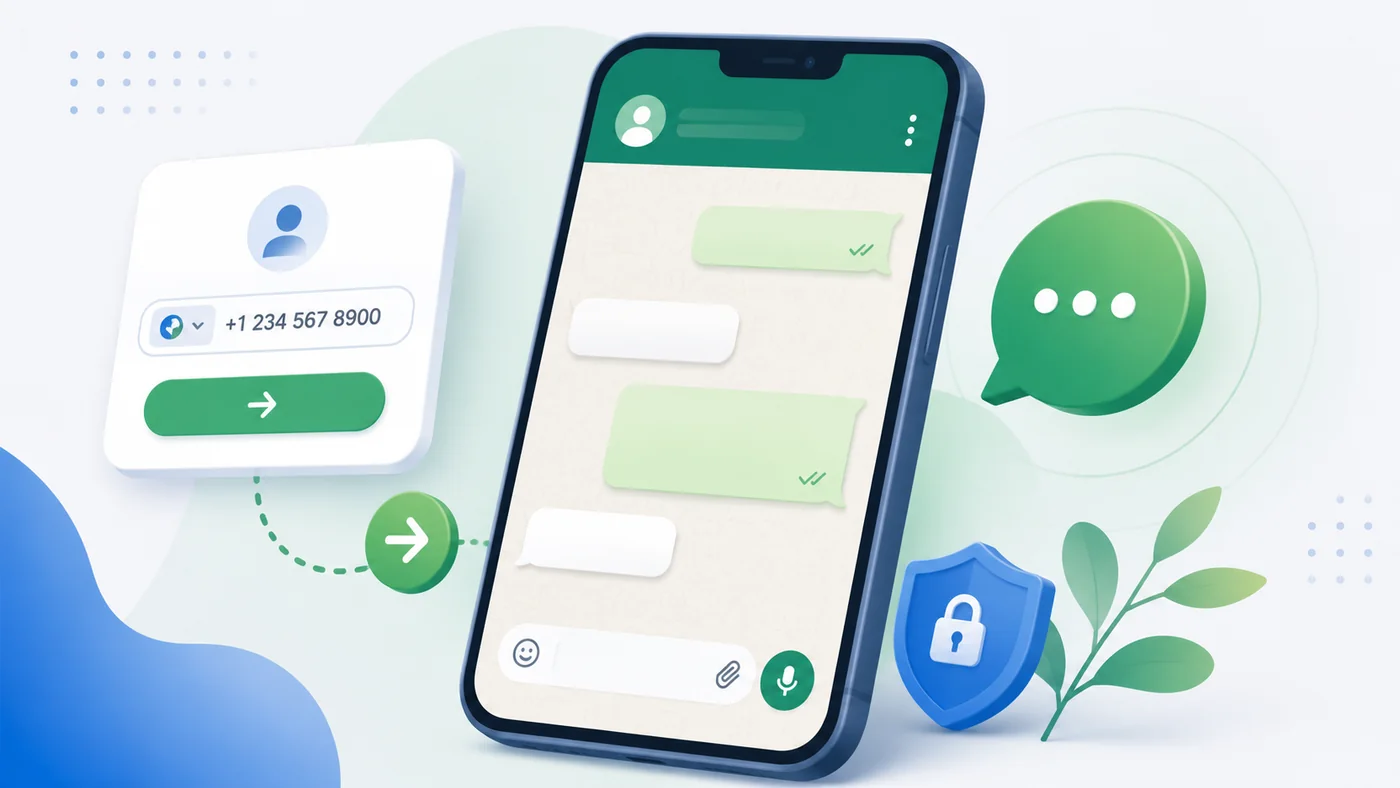
How to message on WhatsApp without saving a number
Open a one-time WhatsApp conversation while keeping your address book clean, and understand what to check when the chat does not appear.
When this method is useful
Saving a contact is helpful when you expect an ongoing relationship. It is less useful for a courier arriving today, a seller from a classified advertisement, a repair technician, a temporary customer or somebody who asked for a single document. In those cases, opening the chat directly avoids creating a contact that you may never need again.
The method does not bypass WhatsApp or any privacy setting. It only prepares the normal link that WhatsApp uses for a phone number. WhatsApp still decides whether the number is registered and whether the app can open the conversation on your device.
Step-by-step
Select the recipient’s country before entering the local phone number. The country selection supplies the international calling code. Enter the remaining digits, then review the complete number shown by the tool.
You may optionally prepare a short first message. Press the WhatsApp button, allow the browser to open WhatsApp, review the recipient and text, and press Send yourself. Mobil never sends the message automatically.
How the international number should look
WhatsApp links use digits in international format. This normally means the country code followed by the national number without spaces, brackets or dashes. A domestic leading zero is often removed after the country code is added. For example, an Israeli mobile number written locally as 050 123 4567 becomes +972 50 123 4567.
Do not guess when the local numbering rule is unclear. Confirm the number with the recipient or compare it with an official source. A valid-looking number can still belong to another person if a digit is wrong.
Why the chat may not open
The most common causes are a wrong country, a missing or duplicated digit, the country code entered twice, WhatsApp not being installed, or a browser that blocked the request to open an external application. The number may also be valid but not registered with WhatsApp.
Try the installed WhatsApp application, update it, and check the browser permission. If the link still fails, use SMS or ask the person which number is connected to WhatsApp. Repeatedly testing unrelated numbers is not an appropriate use of the tool.
Privacy and respectful contact
The prepared message remains in your browser and is passed to WhatsApp only after you click. At that click, Mobil records the encrypted destination number and IP-related security data for up to 30 days; it does not log the message text. WhatsApp then handles the conversation under its own terms and privacy policy.
A direct link is not permission to send unwanted messages. Identify yourself, explain why you are contacting the person, keep the first message brief and stop if the recipient asks you not to write again.
Reviewed July 22, 2026 · Mobil · support@beatshuk.com