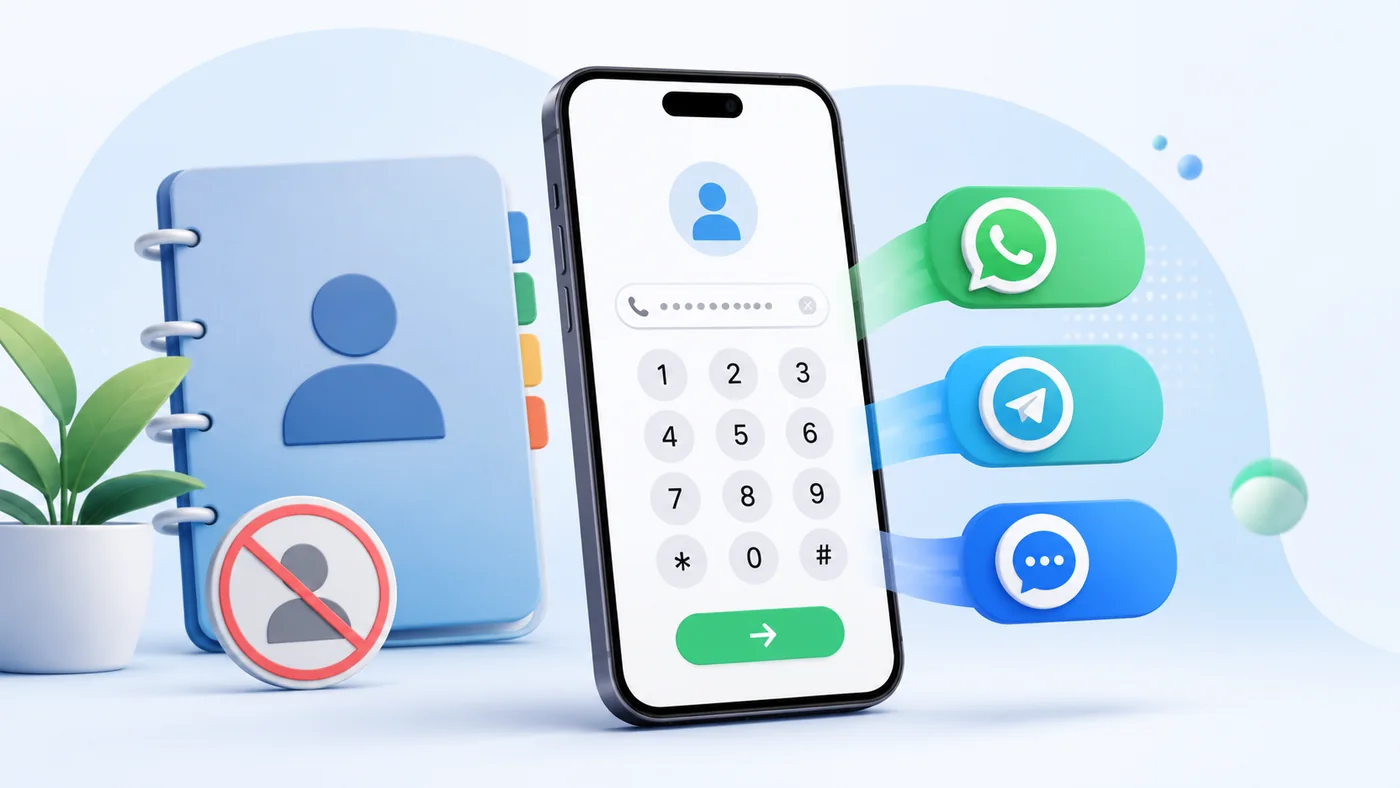
How to message someone without adding them to contacts
Temporary conversations are common: a courier, seller, technician, customer, driver or person from an advertisement may be needed only once. Saving every number makes the address book harder to use and leaves contacts whose purpose is quickly forgotten.
Choose the country, enter the number and open the communication method you need. The selected application decides whether a chat or profile can be opened. If one service cannot find the number, try SMS, another messenger or a normal call.
↑ Mobil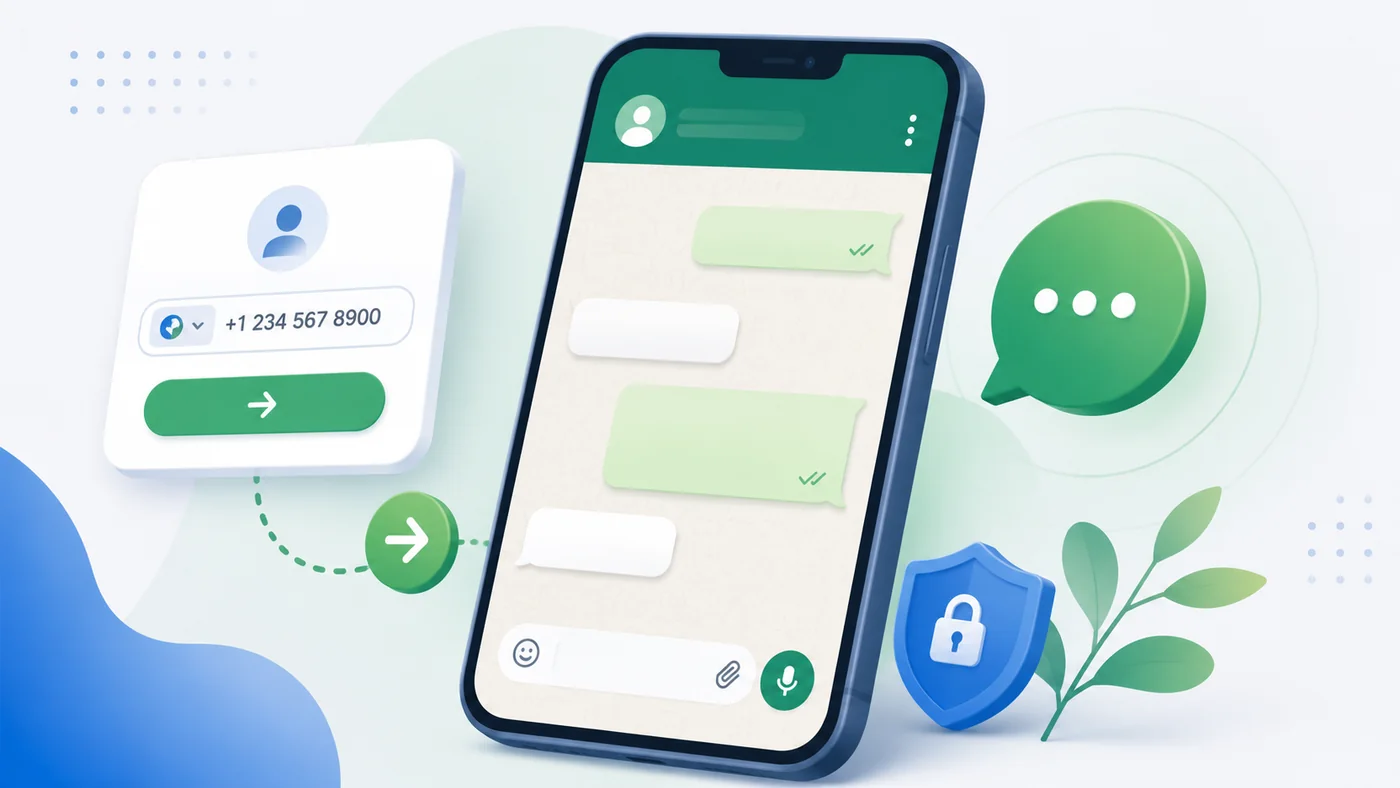
How to message on WhatsApp without saving a number
WhatsApp can open a conversation from a correctly formatted international number. Select the recipient’s country, enter the local number and use the WhatsApp button. Mobil removes common spaces and punctuation and prepares the number for the link.
If the conversation does not open, check the country and every digit. The recipient may not use WhatsApp or may have registered another number. A prepared message remains a draft until you review and send it in WhatsApp.
Detailed guide →↑ Mobil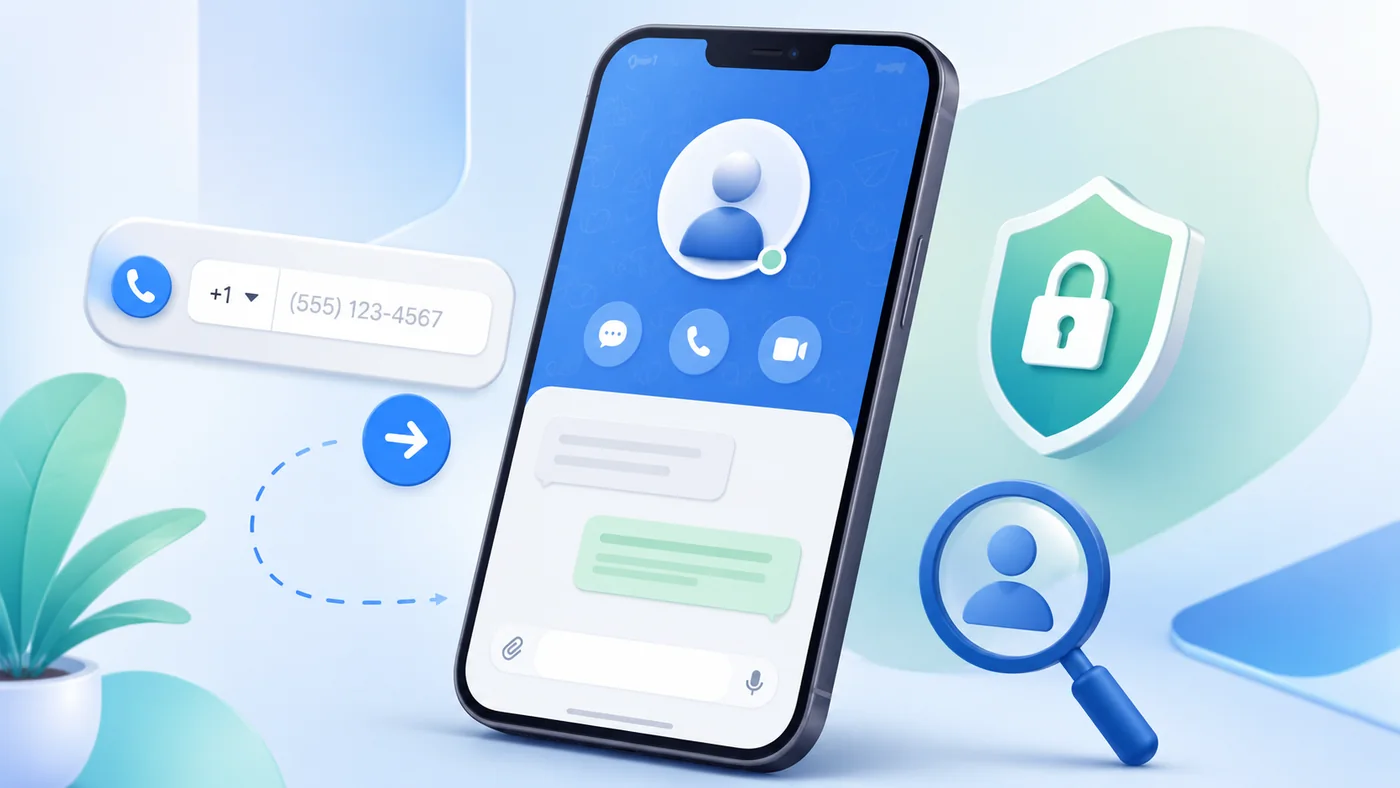
How to message on Telegram by phone number
Telegram phone-number links depend on the other person’s privacy settings. A valid number may therefore fail to reveal a profile even when the person actively uses Telegram. A username or direct profile link is usually more dependable.
Enter the international number and try the Telegram button. When it does not resolve, ask the person for a username or profile link. Do not repeatedly test unknown numbers or use the service to enumerate accounts.
↑ Mobil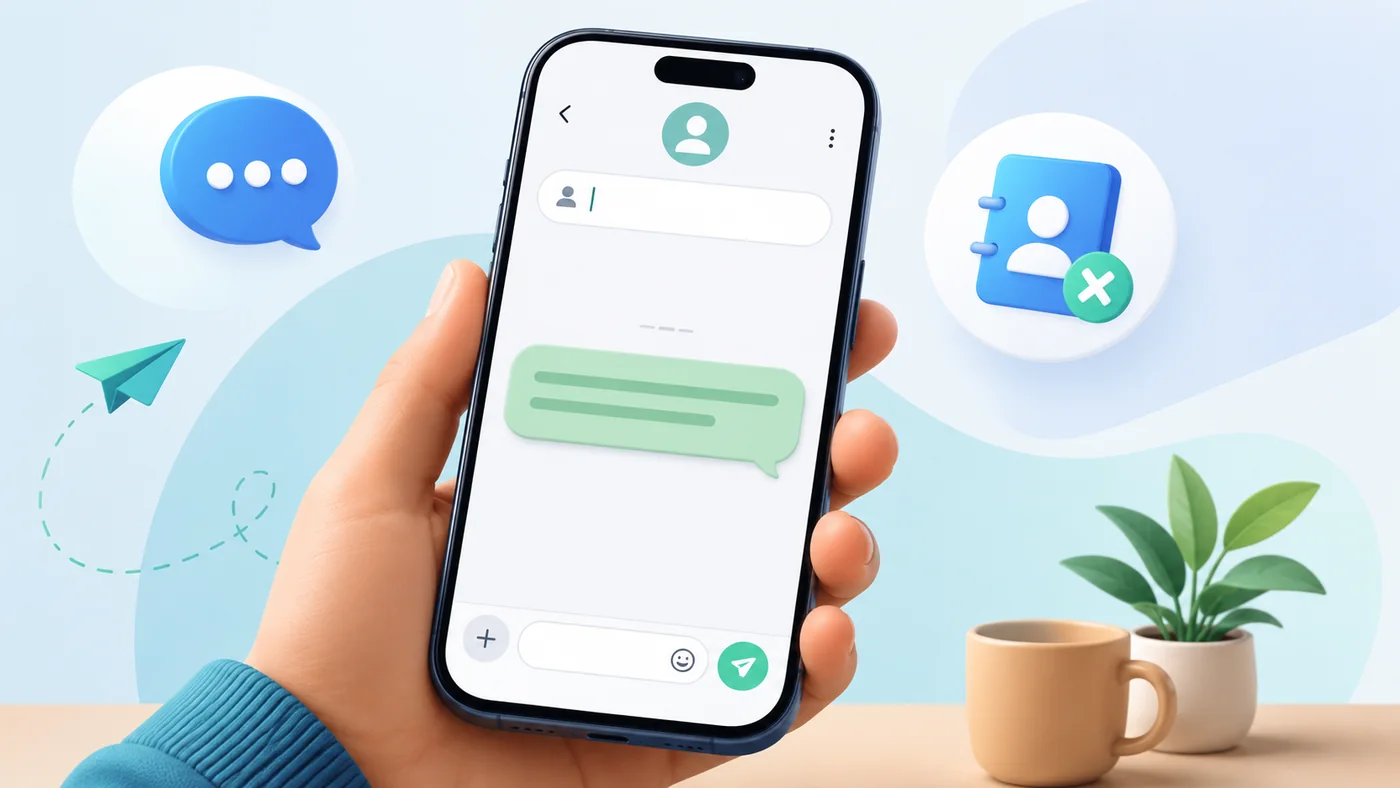
How to send SMS without saving the number
SMS is useful when you do not know which messenger the recipient uses. On a phone, the SMS button opens the normal messaging application with the recipient filled in. An optional prepared message may also be transferred.
You still review the recipient and press Send yourself. On a computer, the link works only when the operating system has a compatible application or a paired phone. Message cost depends on the mobile plan.
↑ Mobil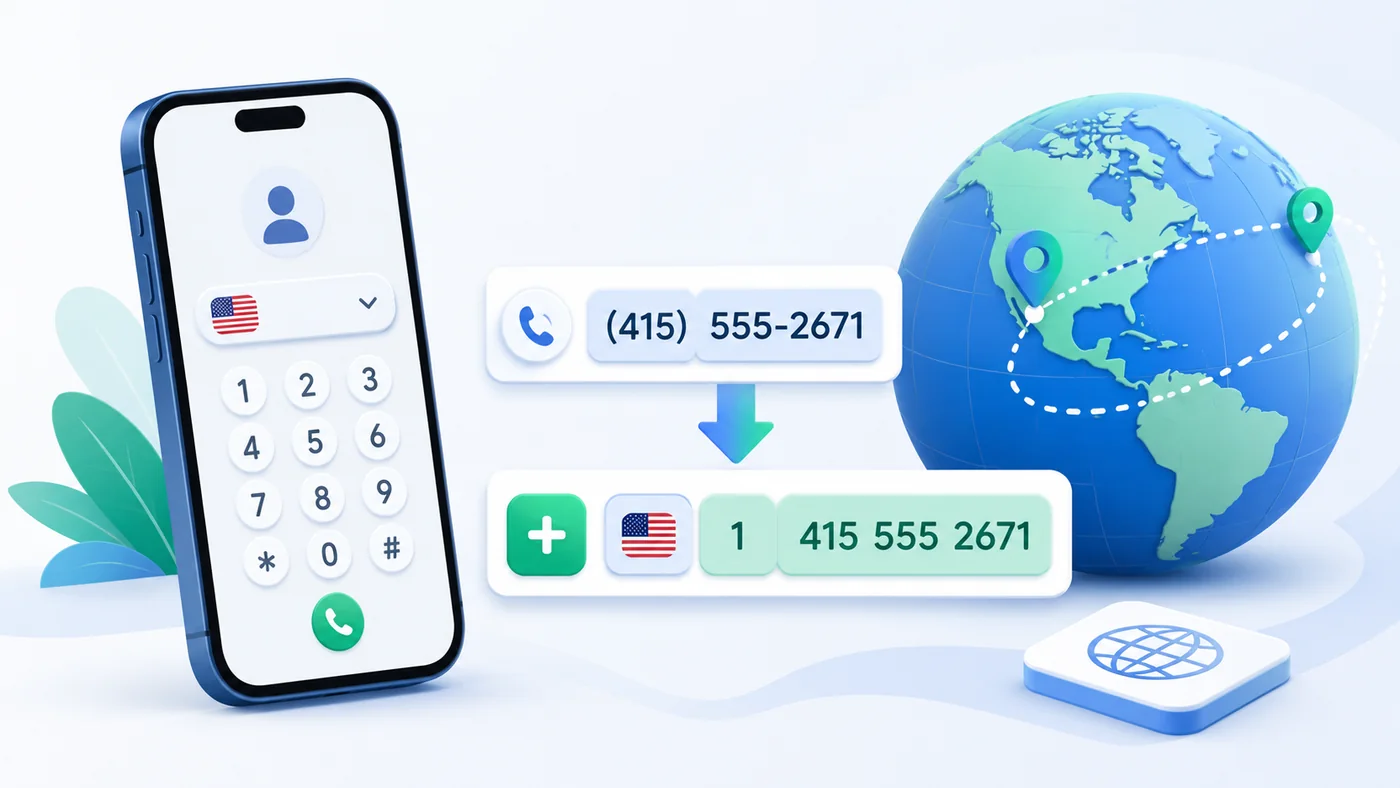
How to enter an international phone number correctly
An international number contains a country code followed by the national number. A local leading zero is often a domestic dialing prefix and is normally removed after the country code is added. For example, an Israeli 050 number becomes +972 50.
Choose the country first and enter the number as you normally see it. Mobil accepts spaces, dashes, a leading zero and a complete number beginning with +. Always verify the final country and digits before contacting an unfamiliar person.
Detailed guide →↑ Mobil
Why WhatsApp cannot find a phone number
The most frequent reasons are an incorrect country, a missing or extra digit, a repeated country code, or a number that is not registered with WhatsApp. A recently changed number can also produce an outdated result.
Check the number carefully, make sure WhatsApp is installed and allow the browser to open external applications. If the number still does not work, use SMS or ask the person which number is connected to WhatsApp.
↑ Mobil
Why Telegram does not open a person by phone number
Telegram users can restrict who may find them by phone number. Failure to open a profile does not prove that the number is wrong or that the person has no Telegram account.
Verify the country and number, then try again in the installed Telegram application. When privacy prevents discovery, request a username or direct t.me profile link.
↑ Mobil
What to do when a messenger button does not open
A button may fail because the application is not installed, the browser blocked the external link, the number is incomplete or the operating system has no handler for that link type. Desktop computers are especially limited for calls and SMS.
Check the number, update the application and allow the browser to open it. Try another browser or communication method. Mobil creates ordinary links; the device and selected application control the final behavior.
Detailed guide →↑ Mobil
WhatsApp, Telegram or SMS: which method should you choose?
WhatsApp is practical when the recipient is likely to use it. Telegram works best when a username is known. SMS is the broadest fallback because it does not require the same messenger, while a phone call is preferable for urgent matters.
Choose the least intrusive method suitable for the situation. A short first message that identifies you and explains why you are writing is usually better than repeated calls or sending the same text through several apps.
↑ Mobil
When it is useful to message without saving a number
This method is convenient for deliveries, classified advertisements, temporary customers, repair services, rentals, travel, appointments and replies to an unfamiliar missed call. The contact may be needed only for a few minutes or for one transaction.
Use the tool for normal person-to-person communication, not bulk outreach. Introduce yourself clearly, contact people only for a relevant reason and respect a recipient who chooses not to respond.
↑ Mobil